> For the complete documentation index, see [llms.txt](https://solnm.gitbook.io/docs/llms.txt). Markdown versions of documentation pages are available by appending `.md` to page URLs; this page is available as [Markdown](https://solnm.gitbook.io/docs/technology/websockets.md).
# WebSockets
#### [Fork from](https://github.com/solana-labs/rpc-websockets)
Install our OSS library in your project:
```
npm install rpc-websockets
```
Write your source code using `rpc-websockets`:
```javascript
var WebSocket = require('rpc-websockets').Client
var WebSocketServer = require('rpc-websockets').Server
// instantiate Server and start listening for requests
var server = new WebSocketServer({
port: 8080,
host: 'localhost'
})
// register an RPC method
server.register('sum', function(params) {
return params[0] + params[1]
})
// ...and maybe a protected one also
server.register('account', function() {
return ['confi1', 'confi2']
}).protected()
// create an event
server.event('feedUpdated')
// get events
console.log(server.eventList())
// emit an event to subscribers
server.emit('feedUpdated')
// close the server
server.close()
// instantiate Client and connect to an RPC server
var ws = new WebSocket('ws://localhost:8080')
ws.on('open', function() {
// call an RPC method with parameters
ws.call('sum', [5, 3]).then(function(result) {
require('assert').equal(result, 8)
})
// send a notification to an RPC server
ws.notify('openedNewsModule')
// subscribe to receive an event
ws.subscribe('feedUpdated')
ws.on('feedUpdated', function() {
updateLogic()
})
// unsubscribe from an event
ws.unsubscribe('feedUpdated')
// login your client to be able to use protected methods
ws.login({'username': 'confi1', 'password':'foobar'}).then(function() {
ws.call('account').then(function(result) {
require('assert').equal(result, ['confi1', 'confi2'])
})
}).catch(function(error) {
console.log('auth failed')
})
// close a websocket connection
ws.close()
})
```
### [Documentation](broken://pages/rq4tNewj24Ps3bD2RtOK)
Please consult our API documentation for both the WebSocket server and client JavaScript and TypeScript classes.
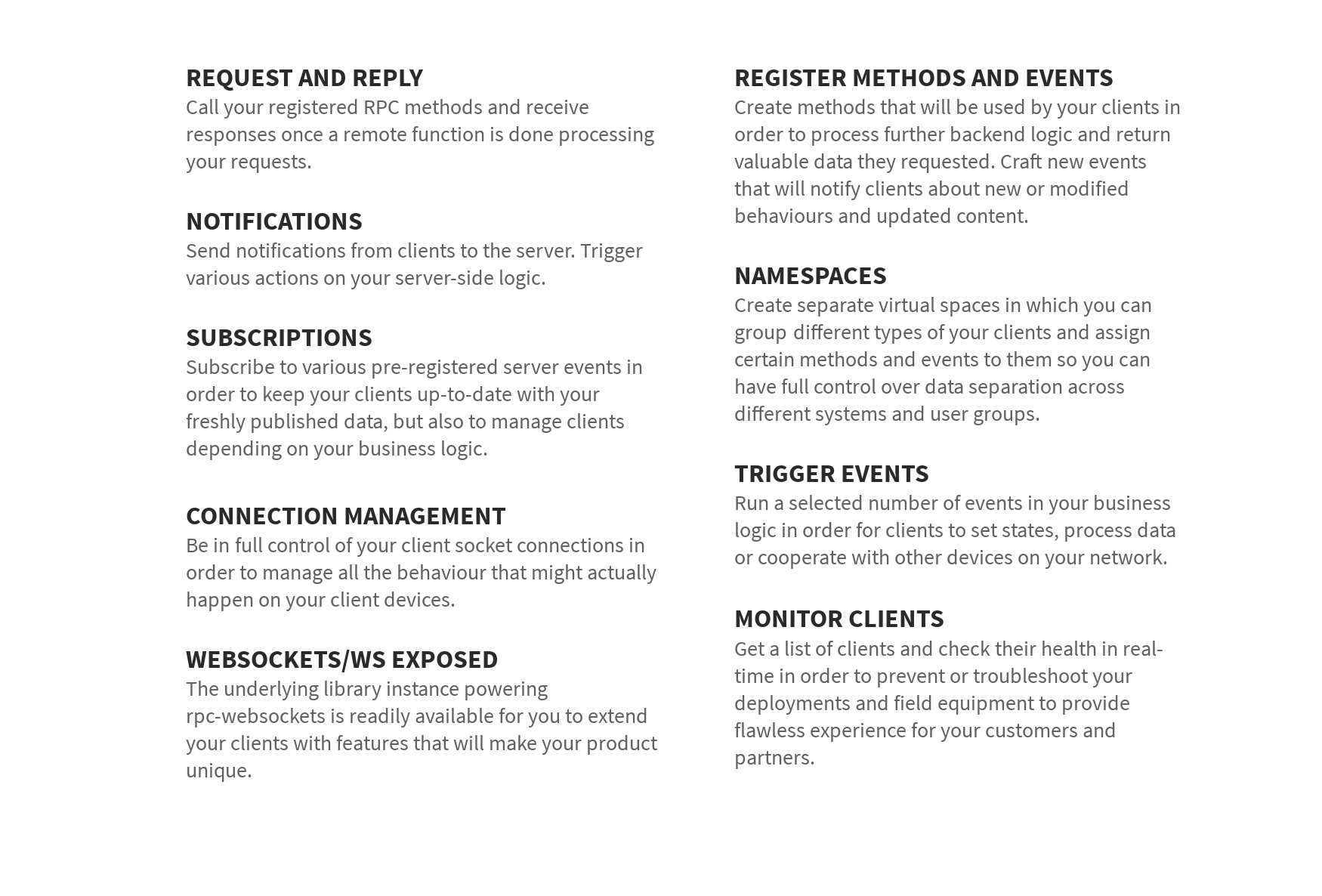
### [OSS Features](broken://pages/rq4tNewj24Ps3bD2RtOK)
Features of the free open-source edition.
All library's open-source features are documented in our API documentation and can be used free of charge. You are free to implement your solutions based on provided methods in any way you are comfortable with, as long as you use our work along our very permissive [license](https://3763343587-files.gitbook.io/~/files/v0/b/gitbook-x-prod.appspot.com/o/spaces%2FLqHVp1UopzsAVRGjwnpr%2Fuploads%2FCF4aqqVKVN1P1mEKHSB1%2FLICENSE?alt=media) conditions.
###